Apps

Eight apps, six on iOS and two on Android, all shipped under Zort Productions. I wrote every line myself: design, code, icon, screenshots, store copy and the release pipeline.

8 apps7 live

Live on the stores

7
Tacet app icon

TacetLive

A document assistant that runs on the phone and sends nothing

iPhone · iPad·Productivity·Free·v1.0.1·17 Aug 2026

Tacet screenshot 1Tacet screenshot 2Tacet screenshot 3Tacet screenshot 4Tacet screenshot 5

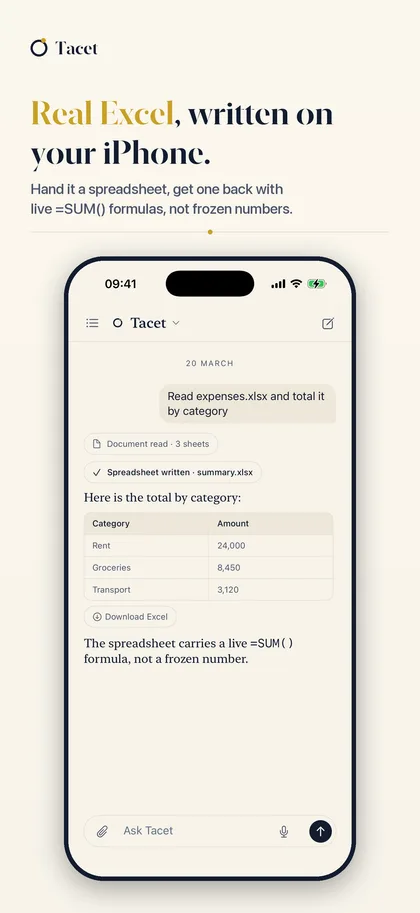
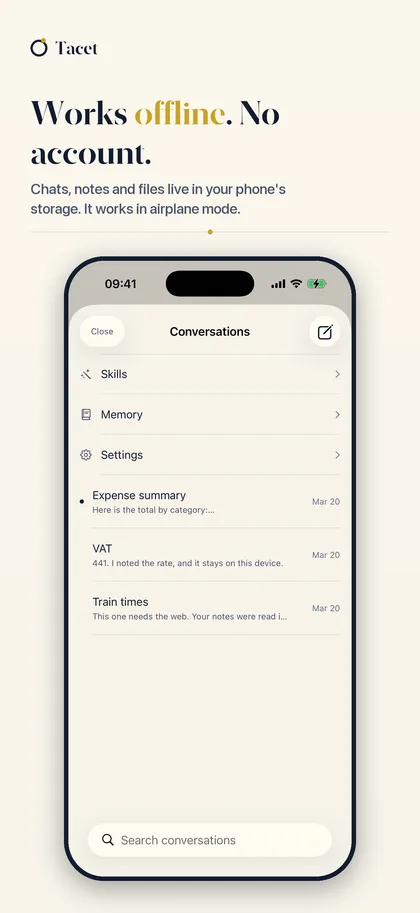
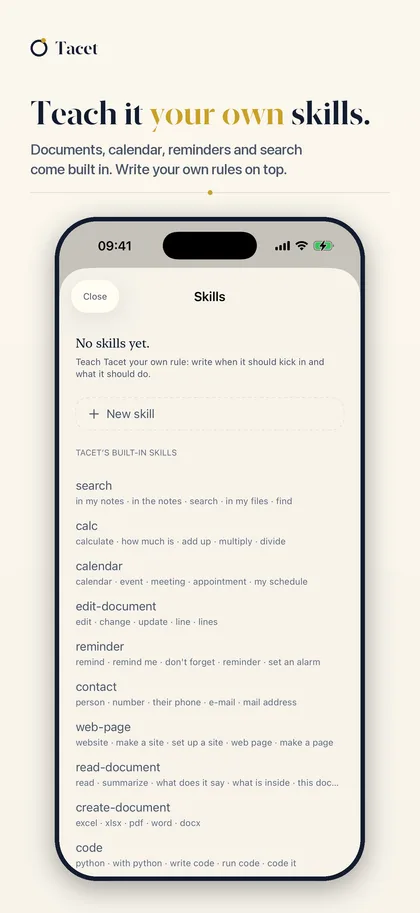
Tacet is an AI assistant for your documents that runs entirely inside your iPhone. Hand it a spreadsheet and you get one back with the formulas still live.

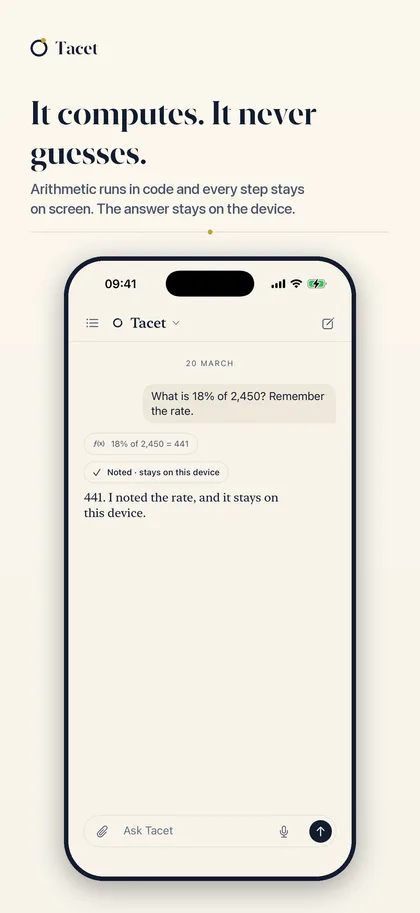
I built it because of one sentence: I want a document assistant, but I don’t want to upload my company files to a cloud. Every option on the market shipped the file to a server. Tacet has no networking code: not a disabled tracker, not an analytics SDK behind a switch, but no code that can open a connection at all.

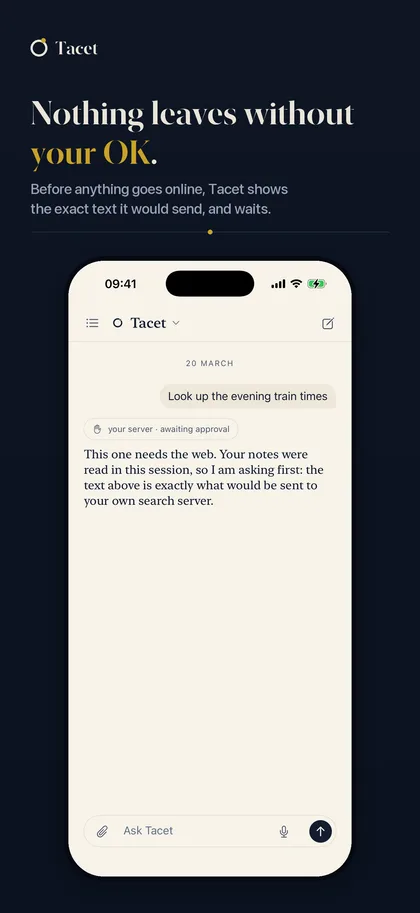
The hard part wasn’t the model, it was the approval flow. If an on-device model is going to touch your files, it has to show you what it will do first. Every action surfaces as a proposal, you approve it, then it runs. This is where I learned that adoption of AI features is driven by reversibility, not accuracy.

  • Hand it a spreadsheet, get one back with live =SUM() formulas, not frozen numbers
  • Reads Word, PDF and CSV, summarizes on device, writes new documents from your notes
  • Asks for approval before every action; the model never edits a file on its own
  • Works fully in airplane mode
Rituell app icon

RituellLive

A quiet reminder to stay close to the people who matter

iPhone · iPad·Productivity·Free·v1.0.4·10 Jun 2026

Rituell screenshot 1Rituell screenshot 2Rituell screenshot 3Rituell screenshot 4Rituell screenshot 5

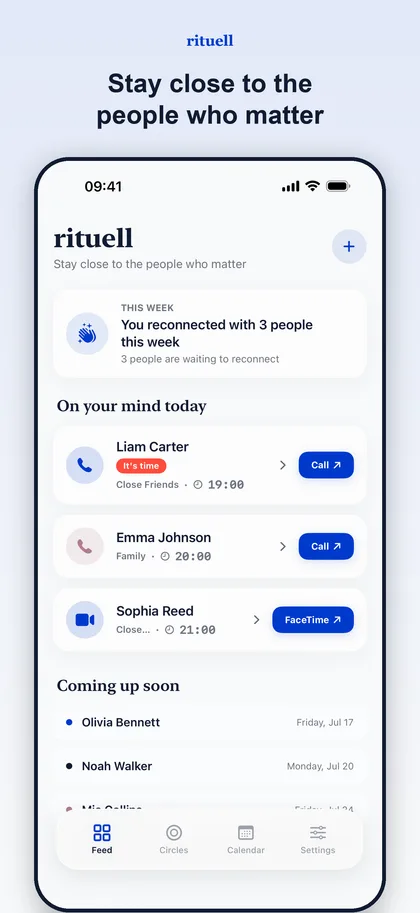
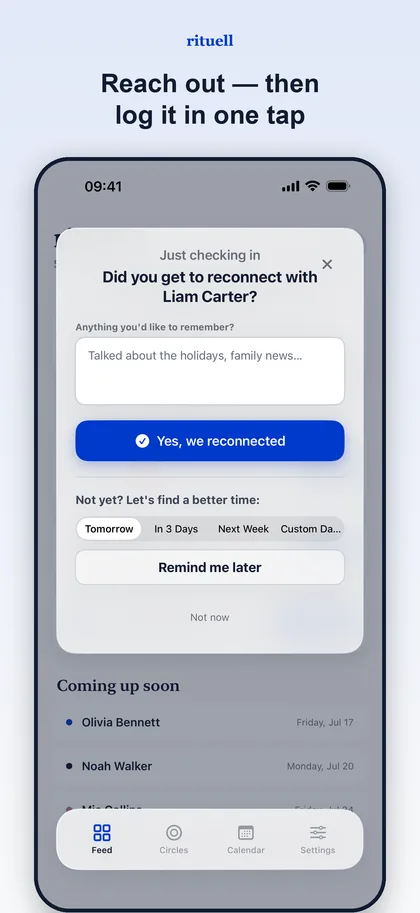
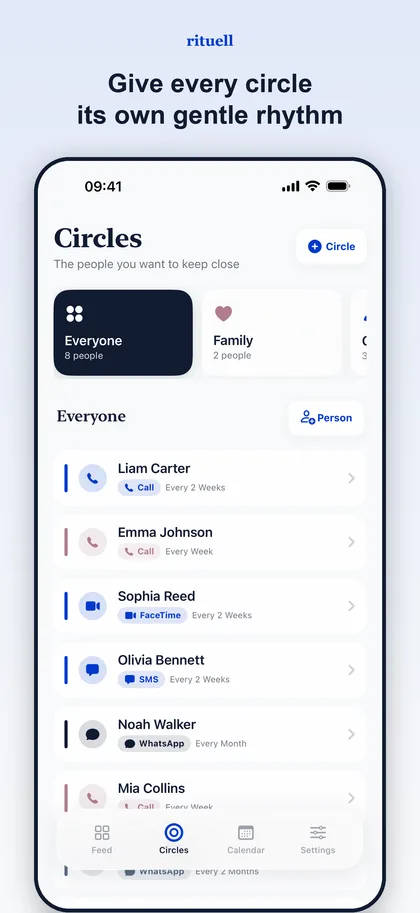
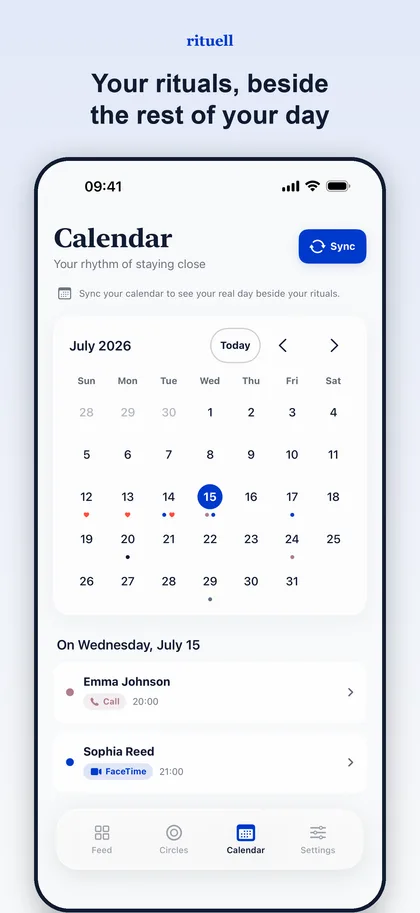
Rituell reminds you to stay in touch without turning it into a chore. You sort people into circles (family weekly, distant cousins monthly) and each day the app shows only that day’s short list.

The design problem was obvious from the start: this kind of app turns into a guilt machine very easily. Show someone a backlog of 40 overdue people and they delete it. The fix was to never show accumulated debt: a missed day simply disappears, today’s list is rebuilt each morning, and it’s never longer than a few people.

Four releases so far; each one made the list shorter.

  • Separate circles for family, friends and far-away relatives, each with its own rhythm
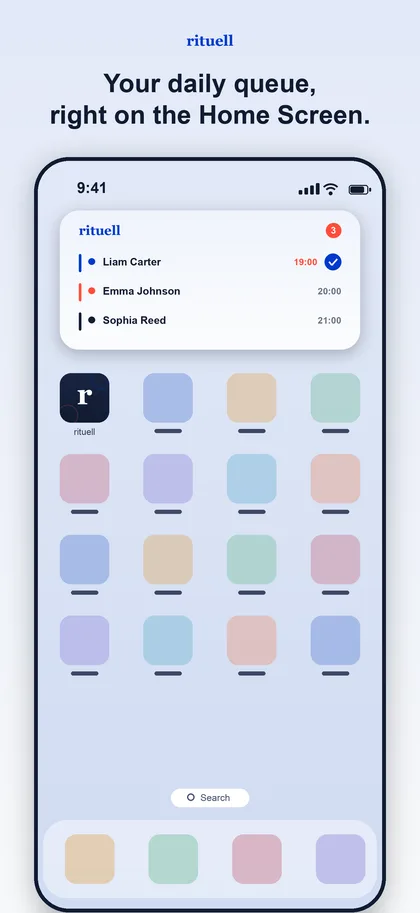
  • A short daily list of just the people it's a good moment to reach
  • No account; nothing leaves the phone
  • Widgets, Live Activities and Siri shortcuts
  • Swift
  • SwiftUI
  • WidgetKit
  • App Intents
View on the App Store →
Numeris app icon

NumerisLive

Spot the rule, predict the next number, beat the clock

iPhone · iPad·Games·Free·v1.0·18 Aug 2026

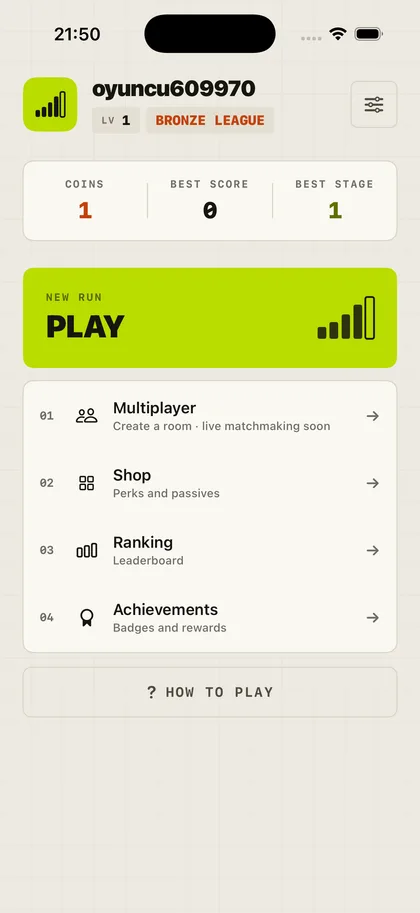
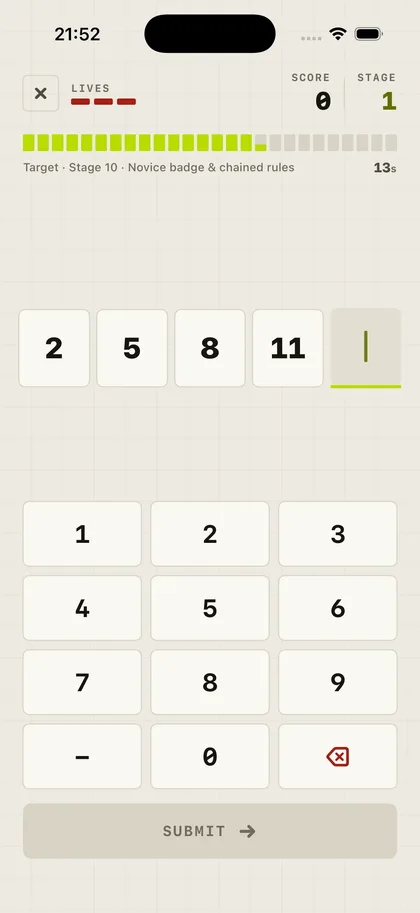
Numeris screenshot 1Numeris screenshot 2Numeris screenshot 3Numeris screenshot 4Numeris screenshot 5

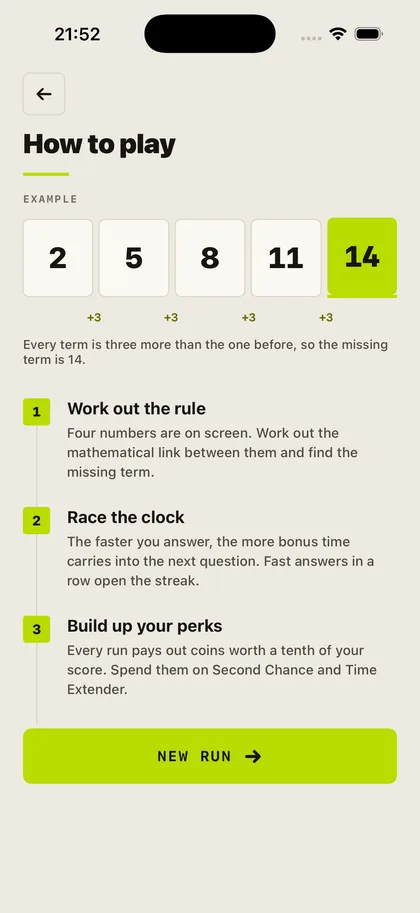
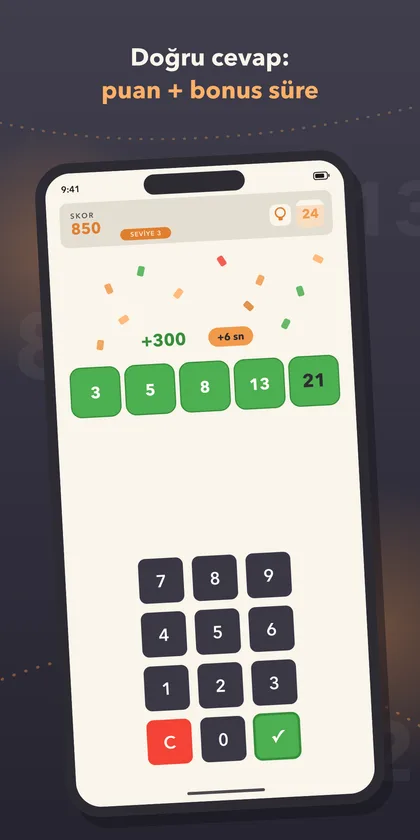
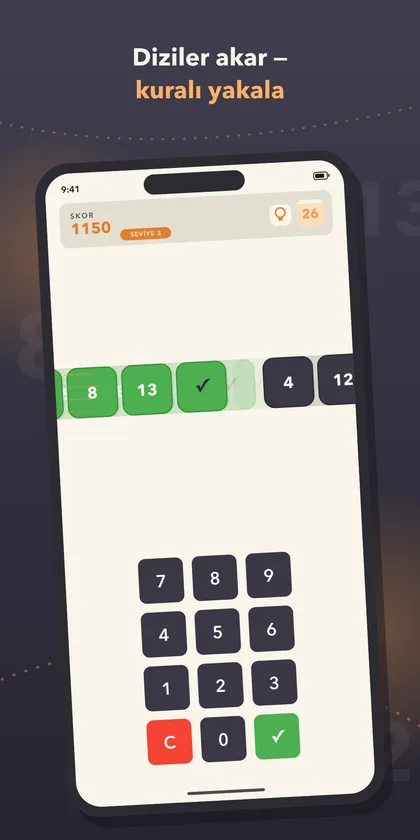
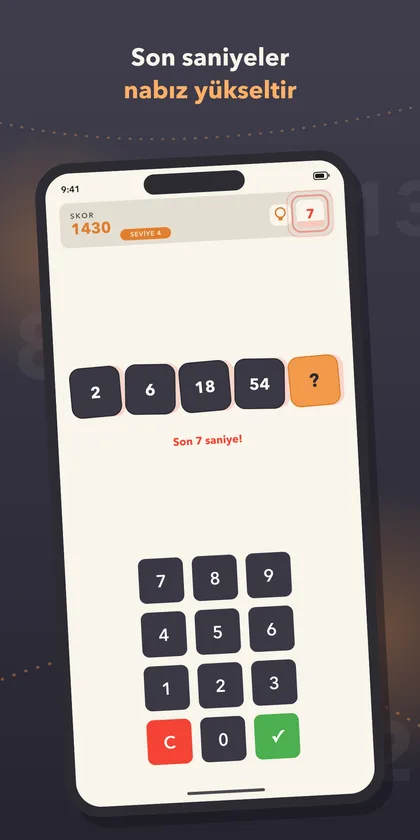
Numeris shows you four numbers. Find the hidden mathematical rule and enter the fifth before the timer runs out.

The real work isn’t the puzzles, it’s the engine that generates them. Hand-write puzzles and you write a hundred and stop. Write a procedural rule engine and it generates forever, but then you inherit a difficulty problem: a randomly generated rule can be trivial or impossible.

The fix was to score rules by difficulty and draw from a band tied to player performance. Play well and the band shifts up. This is the most transferable thing game design taught me: difficulty isn’t a fixed number, it’s a function of the player.

  • A procedural rule engine builds every sequence on the fly, no repeats
  • Rules grow more complex as the player advances
  • Deduction under time pressure
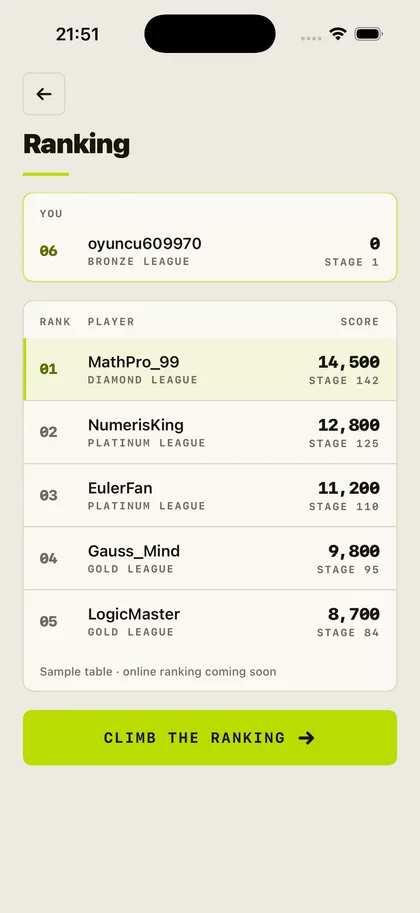
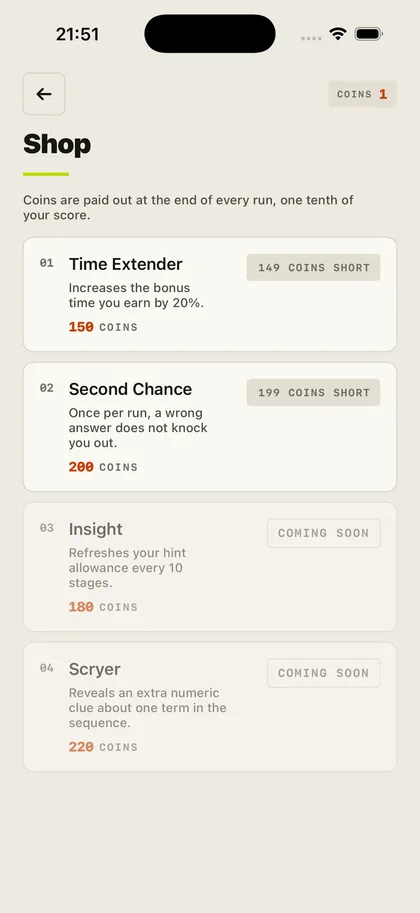
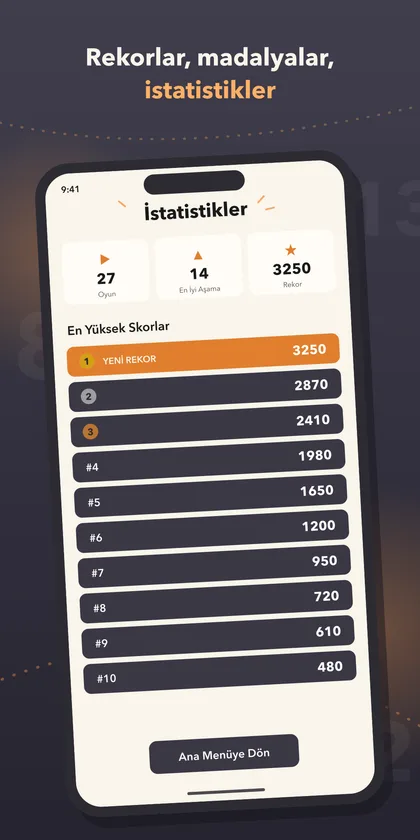
  • Leaderboard and progression system
  • React Native
  • Procedural generation
  • PocketBase
View on the App Store →
Miqat app icon

MiqatLive

A prayer times and qibla app with no networking code in it

iPhone · iPad · Apple Watch·Lifestyle·Free·v1.1.1·2 Sep 2026

Miqat screenshot 1Miqat screenshot 2Miqat screenshot 3Miqat screenshot 4Miqat screenshot 5

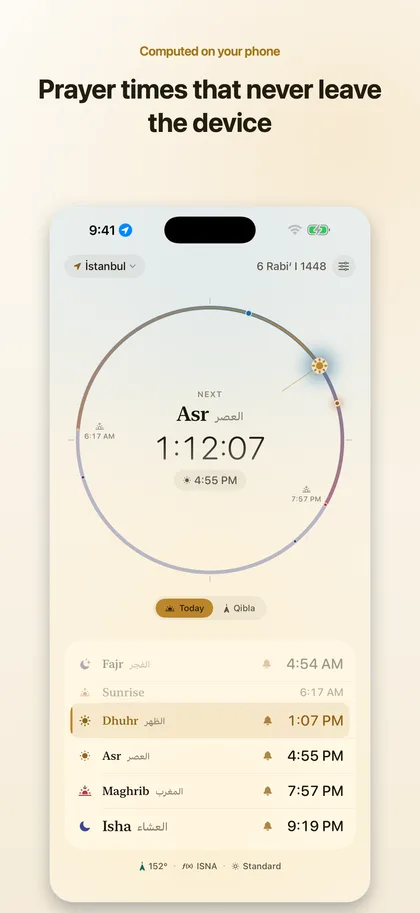
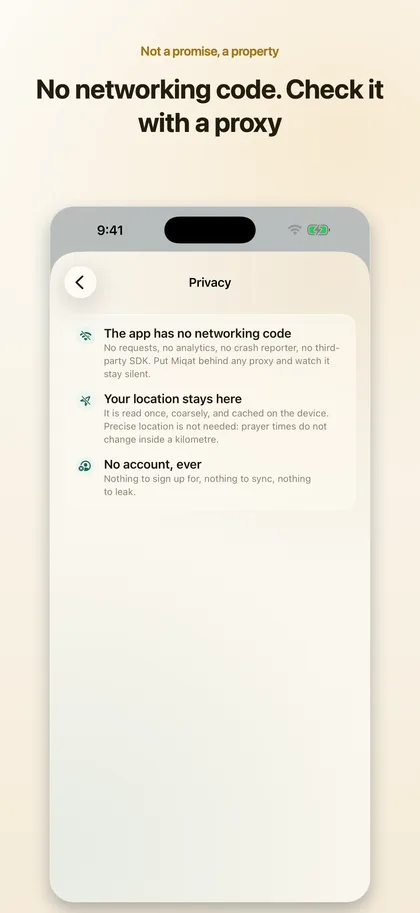
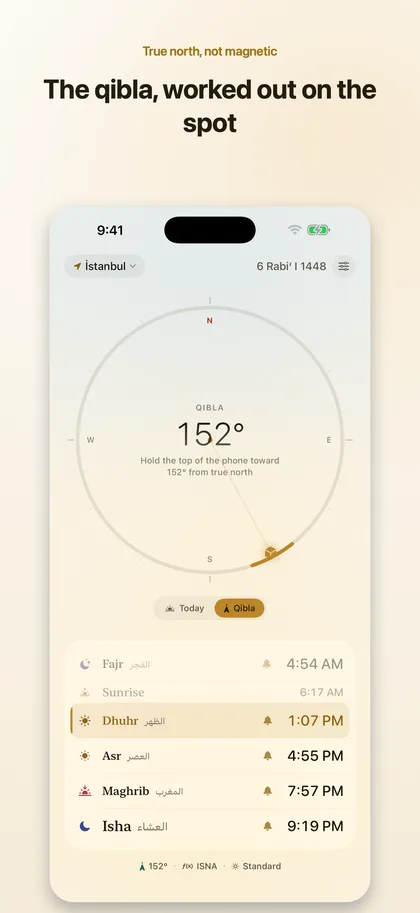
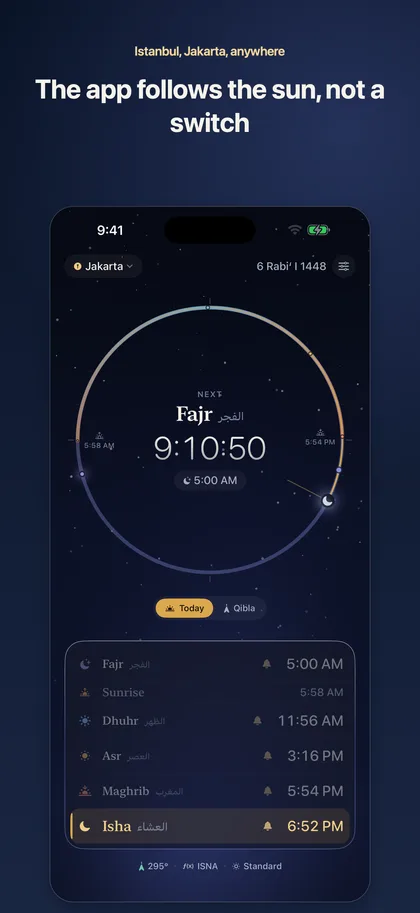
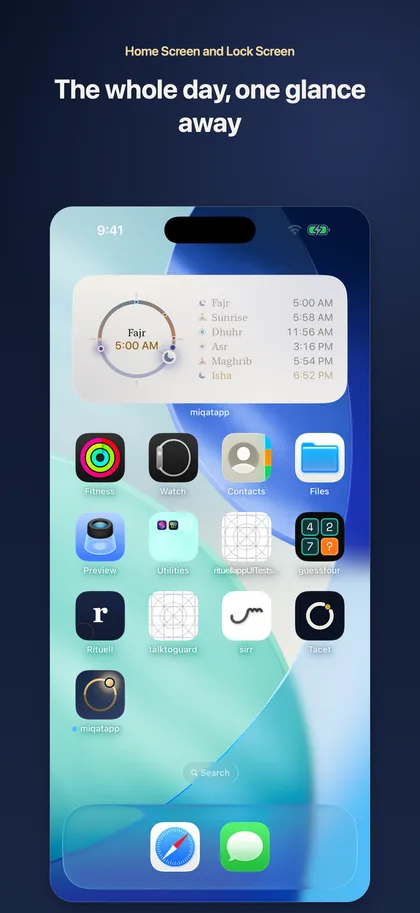
Miqat is a prayer times and qibla app. What makes it different is technical: there is no networking code in it. Not a disabled tracker, not an SDK behind a switch; no code that can open a connection at all. Which means there is nothing to send anywhere, and nothing to sell.

Everything is computed on the device from the position of the sun, using the same astronomy a printed timetable uses. That’s why it works on a plane, in the desert, and with roaming switched off.

I validated the engine against published timetables: Istanbul, 19 August 2026, Diyanet method: 04:37, 06:16, 13:14, 16:57, 20:01, 21:31.

No package dependencies; the solar calculation is written directly in Shared/Core/Engine.

  • Times computed on device, never fetched from a server
  • No code that can open a connection; put it behind Proxyman and watch it stay silent
  • Live Activity, Dynamic Island, Home and Lock Screen widgets
  • Zero dependencies: the solar engine is written from scratch
  • Swift 6
  • SwiftUI
  • WidgetKit
  • ActivityKit
View on the App Store →
Poligon app icon

PoligonLive

An iPad and Mac studio where the 2D canvas is the 3D texture

iPad · Mac·Graphics & Design·One-time purchase·v1.0·1 Sep 2026

Poligon screenshot 1Poligon screenshot 2Poligon screenshot 3Poligon screenshot 4Poligon screenshot 5

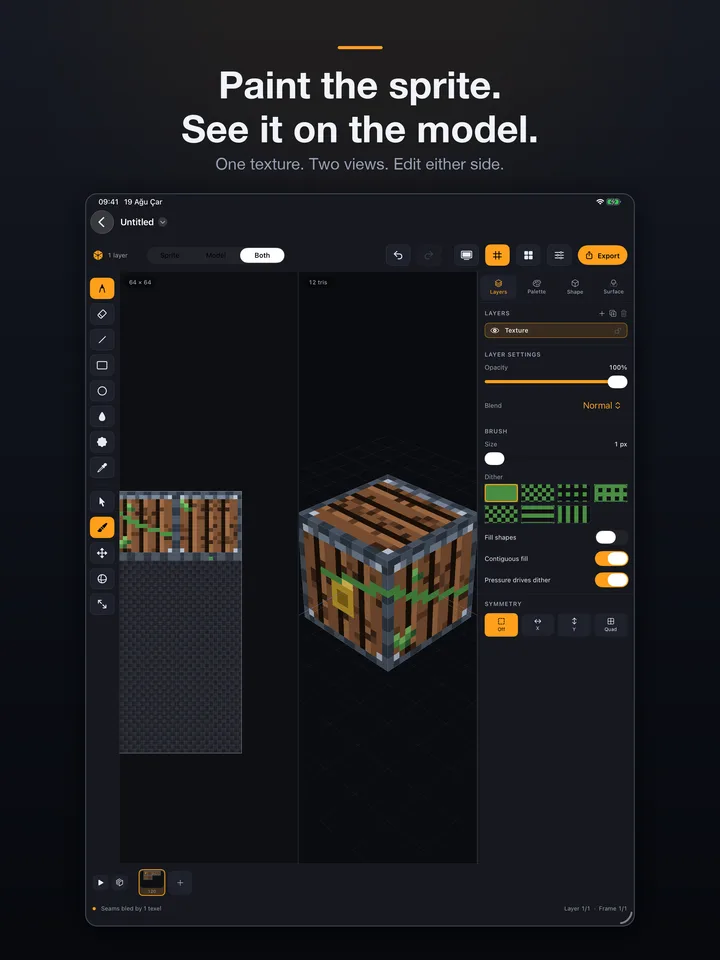
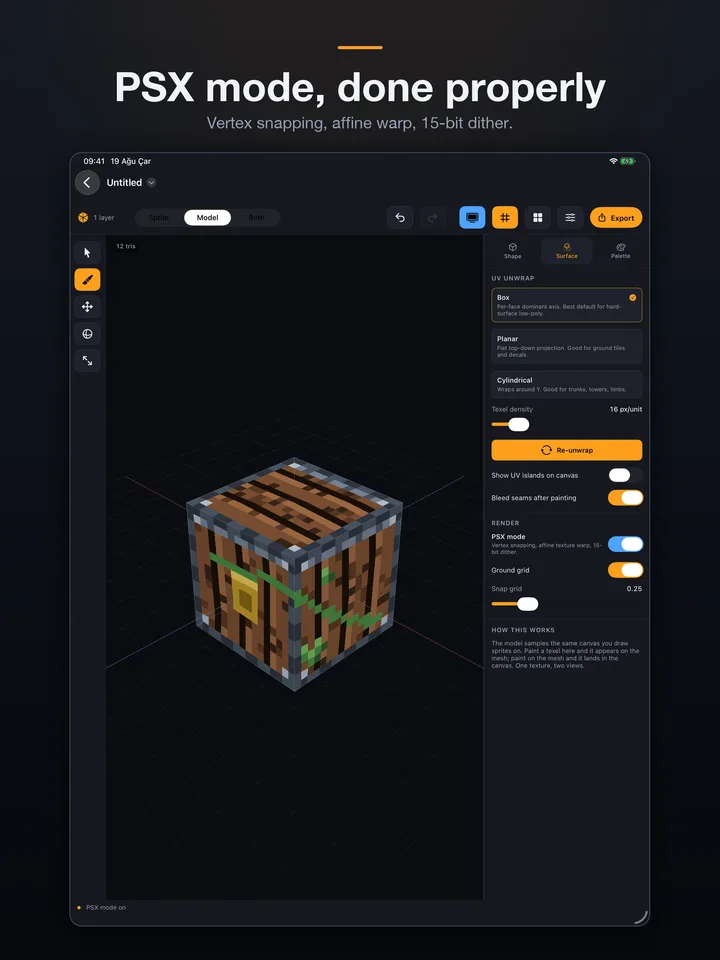
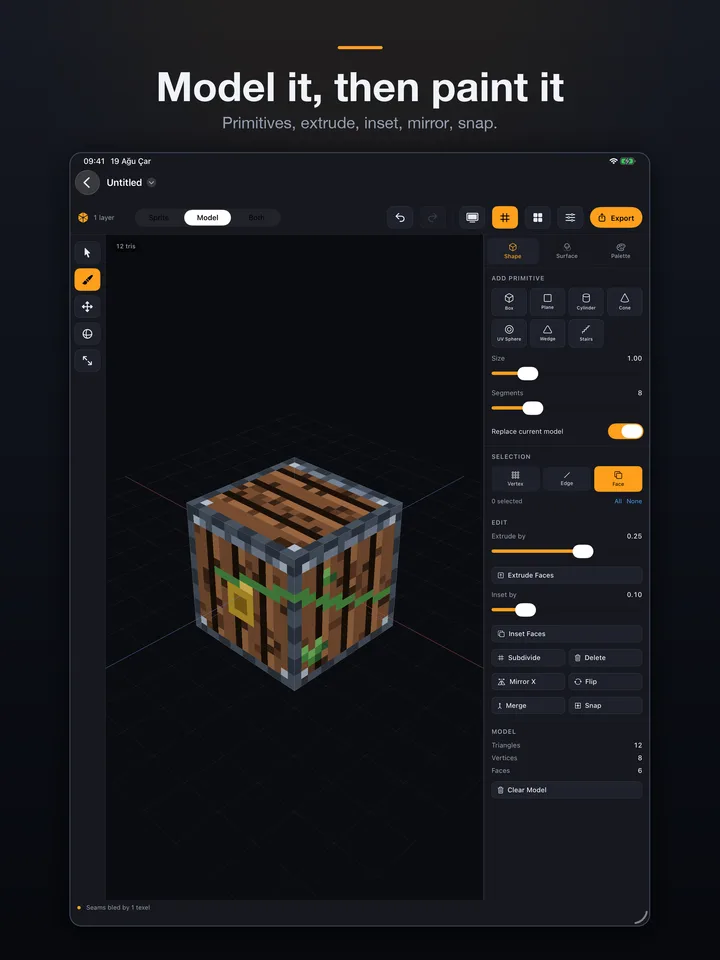
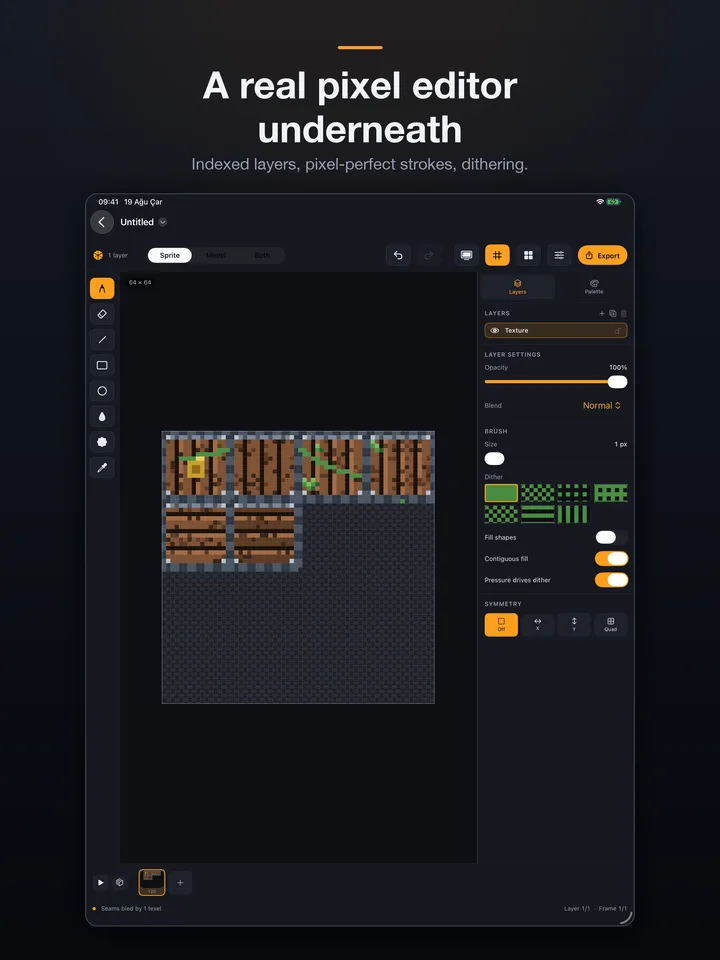
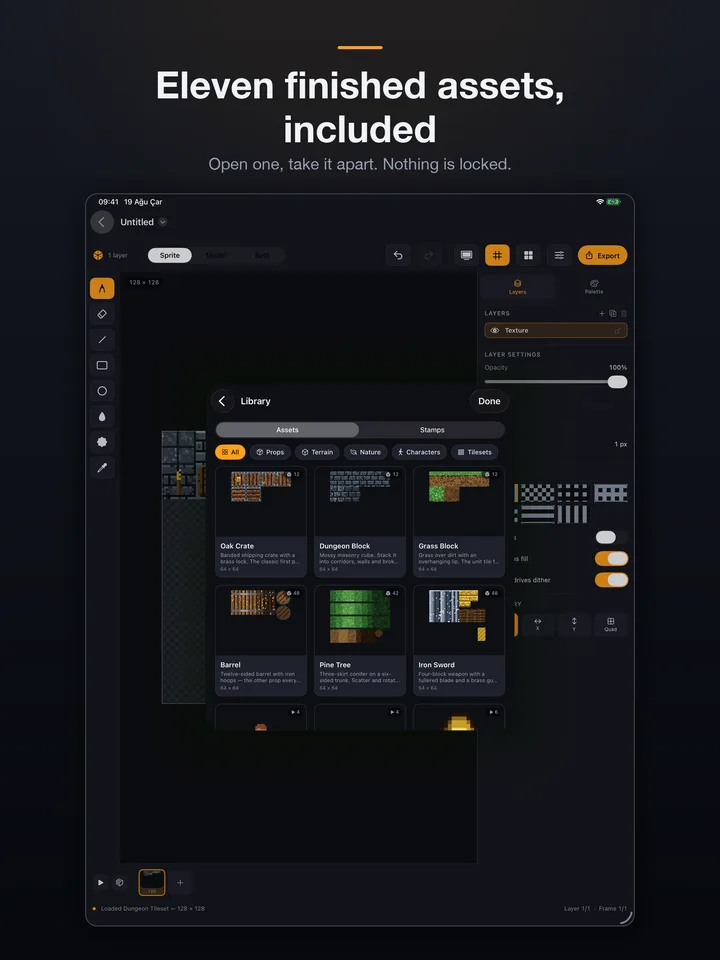
Poligon is an iPad and Mac asset studio for people making retro-styled games. The thesis is one sentence: the 2D canvas is the 3D texture. Paint a texel on the canvas and it appears on the mesh; paint on the mesh and it lands in the canvas. There is exactly one compositing path, so the two views cannot disagree.
Getting that right was the hard part. UV islands have to pack onto whole texel boundaries, otherwise an island edge lands halfway across a pixel and the model looks blurry. Without automatic seam bleeding you get a black line at every island edge.
PSX mode is entirely optional and my favourite piece: it deliberately puts back the three artefacts that made 1994 hardware look the way it did: vertex snapping, affine texture warping, and 15-bit ordered dither.

Two custom Metal surfaces, a 120 Hz canvas, and a file-based document format that diffs cleanly in git. Layers are stored as raw palette indices.

No account, no subscription, no cloud, no AI generation. One-time purchase, and it works on a plane.

  • The 2D canvas is the 3D texture: paint either side and the other updates
  • Palette-indexed layers: change one swatch and sprite and model recolour together
  • PSX mode: vertex snapping, affine texture warping, 15-bit dither
  • Exports glTF, USDZ, OBJ, sprite sheets, GIF and .aseprite
  • Swift 6
  • Metal
  • iPadOS 26
  • macOS 26
  • Apple Pencil
View on the App Store →
GuessFour app icon

GuessFourLive

Test your logic, strategize, and guess the correct number to win

Android·Games·Free·v1.0·5.0 ★ (29 reviews)·100+ downloads

GuessFour screenshot 1GuessFour screenshot 2GuessFour screenshot 3GuessFour screenshot 4

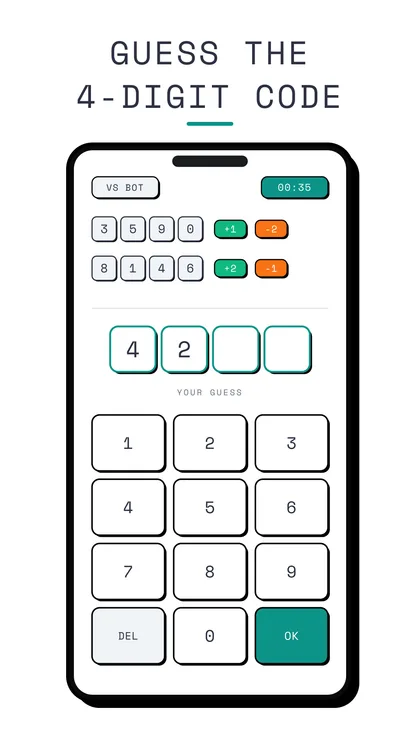
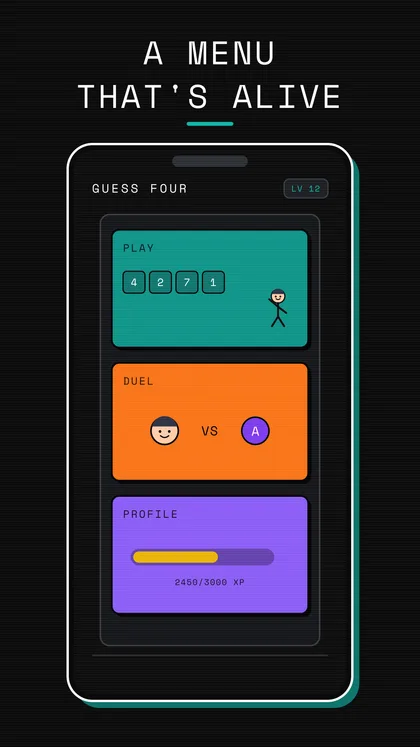
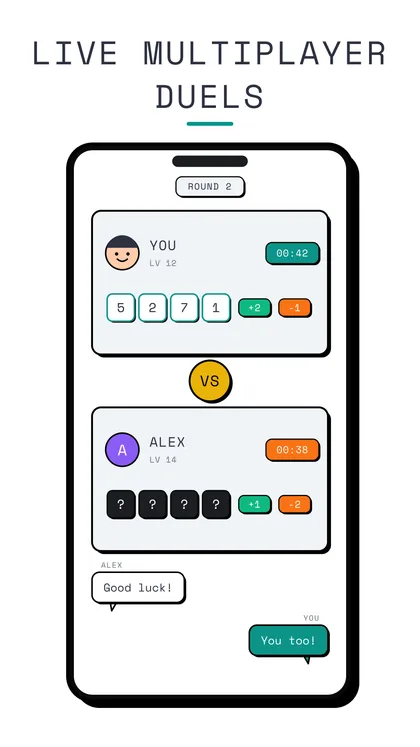
GuessFour is a logic and deduction game. You try to guess a hidden number, and the feedback after each guess narrows the probability space.

The only design question was how much information to give the player. Too much and the puzzle solves itself; too little and it stops being a logic game and turns into gambling. Finding the right setting meant running a few hundred simulations on paper, measuring the average number of moves to a solution and tuning the feedback against it.

Unlike Numeris there’s no procedural generation here; the puzzle space is fixed and closed. That makes it harder as a design problem: you can’t hide behind a generator.

  • Entirely rule-based deduction, no randomness
  • The feedback after each guess narrows the next move
  • Turkish and English store listings
  • PEGI 3
  • React Native
  • Expo
  • Kotlin
  • PocketBase
View on Google Play →
Sequences app icon

SequencesLive

Numeris on Android: spot the rule in the sequence, race the clock

Android·Games·Free·v1.0

Sequences screenshot 1Sequences screenshot 2Sequences screenshot 3Sequences screenshot 4Sequences screenshot 5

Sequences is the same game as Numeris on Android, but not the same code. This is the original, written in Expo and React Native; Numeris on iOS is the native rewrite I did afterwards.

Running two platforms from two codebases wasn’t a deliberate choice, it was the result of a lesson. The React Native version shipped fast, but timer precision and haptic feedback never felt right on iOS; in a speed game, 30 milliseconds of latency is something you can feel. The native rewrite fixed it.

The product lesson is clean: a cross-platform framework is the right call as long as the most critical feel in the product isn’t platform-specific. Here it was.

There are seven sequence types and questions are generated with random parameters every game, so there’s no memorizable question pool. A repeat-prevention memory keeps the same question from coming back-to-back. At game over the last question’s solution is shown step by step; that’s the part aimed at learning while you play.

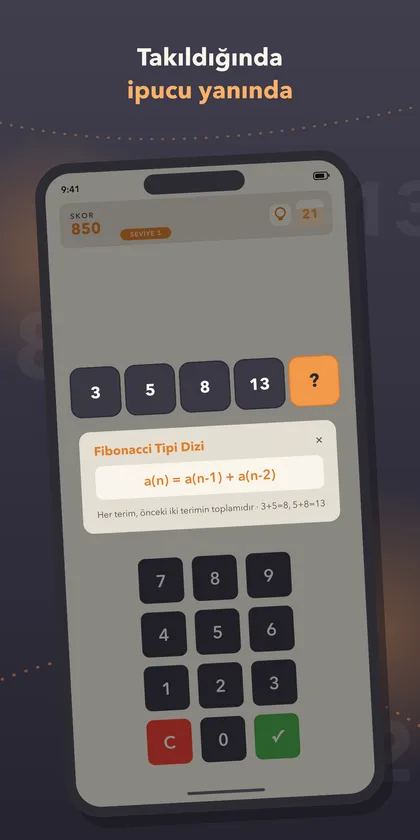
  • Seven sequence types: arithmetic, geometric, Fibonacci-like, increasing-difference, power, interleaved and alternating-operation
  • Difficulty steps up every 3 stages; questions are generated with random parameters
  • Repeat-prevention memory, so the same question never comes back-to-back
  • Step-by-step solution at game over; no internet required
  • React Native
  • Expo
  • TypeScript
View on Google Play →

Preparing for release

1
Datum app icon

DatumPreparing

Fully on-device 3D scanning with LiDAR

iPhone / iPad (LiDAR)·Productivity·TBD·v1.0

Screenshots not ready yet.

Datum is a 3D scanning app for LiDAR-equipped iPhones and iPads. Two scenarios: scan rooms indoors and get a floor plan you can export to CAD, or take a photorealistic capture outdoors.

I applied the same constraint as my other apps: processing stays on the device. The standard approach in this category is to ship the scan to a cloud and process it there. The interior plan of a building is sensitive data; for a contractor or an architect, keeping it off the network is a reason to buy.

The name was a deliberate choice. “Datum” is a foundational term in geodesy and CAD: the reference surface measurements are tied to. Architects, surveyors and contractors, the target audience, already know the word.

Status: in preparation on App Store Connect, build uploaded and validated. It goes to review once the screenshot set and listing copy are finished.

  • Indoor scan to a CAD-exportable floor plan
  • Photorealistic capture outdoors
  • All processing on device, nothing is uploaded
  • iPhone 12 Pro and later with LiDAR
  • Swift 6
  • iOS 26 SDK
  • ARKit
  • LiDAR
  • RealityKit

The common thread: in all of them, processing stays on the device. No account, no server, no data collection. I set that constraint up front.